Log in to your LuckyOnes account quickly and securely. Access your games, manage your account and continue playing without interruption.
Getting into your LuckyOnes account should take seconds, not minutes, and the platform is built to make that the consistent reality for every Australian player every time they return. Whether you are logging in for a session after a few days away, picking up where you left off earlier in the day, or completing your registration for the very first time, the process is designed to be quick, protected, and free of unnecessary steps.
This page covers everything you need to get into your account, create a new one, and resolve any access issues you might encounter along the way. Head back to the LuckyOnes Australia Homepage for a full picture of everything waiting for you once you are in.
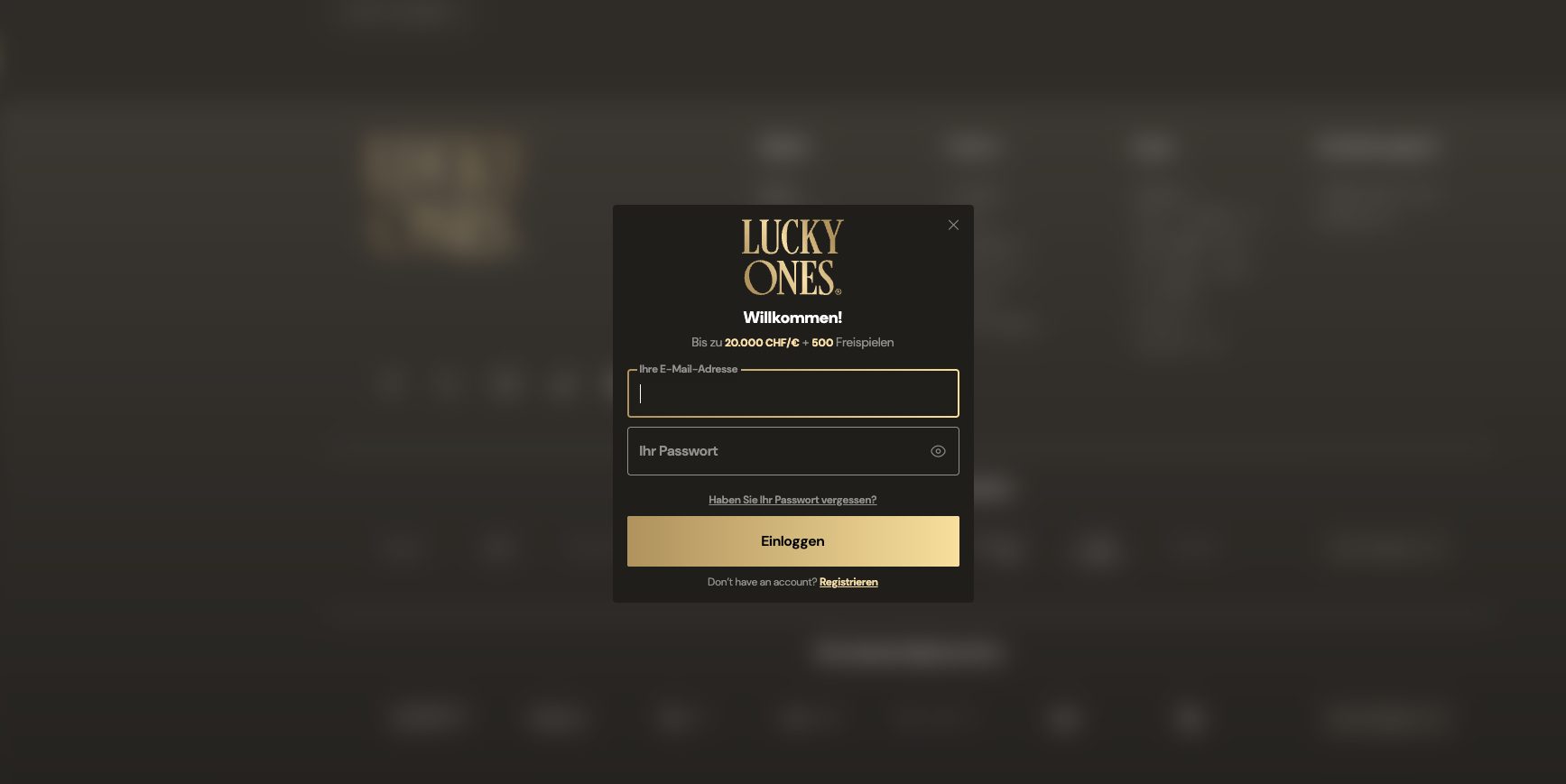
The sign-in process at LuckyOnes is consistent across all devices and browsers, so the steps are the same whether you are on a desktop at home or a smartphone out and about. Follow these steps to log in:
Your game library, active promotions, account settings, transaction history, and support access are all immediately available from the dashboard without any additional navigation. If your account has additional verification enabled, you may be prompted to complete that before full access is granted. This takes only a moment and adds a meaningful layer of protection that is worth the brief pause.
For Aussie players who are registering for the first time, the process is equally quick. Click the sign-up or register button on the homepage, enter your personal details in the registration form, and verify your email address through the confirmation link sent to your inbox. Your account becomes active immediately after verification and you can log in and start exploring right away. The whole process from clicking register to launching your first pokie is designed to take only a few minutes.
Keep your login credentials private and avoid sharing them with anyone. LuckyOnes will never ask for your full password through any message or communication channel. Any contact requesting your password should be treated as suspicious and reported to the support team immediately.
Security at LuckyOnes is active at the login level rather than being applied as an afterthought after access is granted. Every connection to the platform uses SSL encryption, which means the details you enter during sign-in are protected in transit from the moment they leave your device. Credentials are never sent in plain text, and the storage infrastructure for account information is built with resistance to unauthorized access as a core design requirement.
Active session monitoring runs continuously in the background and tracks login patterns to identify inconsistencies in real time. When a login attempt comes from a device, location, or time that does not match your normal activity profile, additional verification can be triggered automatically before the session proceeds. This operates without any impact on legitimate logins and provides meaningful protection against unauthorized access attempts that most players will never be aware of because the system handles them silently.
Personal security habits that Australian players adopt alongside the platform-level measures make a genuine cumulative difference. A strong password used exclusively for LuckyOnes and not shared with any other service is the most impactful single step. Keeping your registered email address current and secure ensures that account recovery is always available. Logging out manually at the end of sessions on any device that others might access adds protection that costs nothing but a moment of attention. If you ever suspect your account has been accessed without your authorization, contact LuckyOnes support immediately so the situation can be investigated and your account secured without delay.
Most access problems at LuckyOnes can be resolved quickly without needing to contact support. The guidance below covers the situations Aussie players encounter most often.
Forgotten Password
Resetting your password is a short and straightforward process:
If the reset email does not appear in your inbox after a few minutes, check your spam or junk folder before contacting support. If it does not appear there either, reach out to the LuckyOnes support team and they will help you regain access directly.
General Access Problems
If you are confident your credentials are correct but still cannot get in, there are several common causes worth checking. Passwords at LuckyOnes are case sensitive, so verify that caps lock is not active when you type. Clearing your browser cache and cookies resolves login failures in many cases where outdated session data is creating a conflict. Trying a different browser or switching from desktop to mobile, or vice versa, can rule out a device-specific issue. Checking your internet connection for stability is also worth doing, particularly on mobile data connections where brief interruptions can occur invisibly. If none of these steps resolves the problem, the LuckyOnes support team is available to help you get back in quickly.
If you have not yet created a LuckyOnes account, joining as an Australian player is a quick and uncomplicated process that opens up the complete platform from the moment registration is complete. The sign-up form asks only for the essential details needed to set up your account securely, and the full process takes only a few minutes.
After submitting your registration details you will receive a confirmation email. Clicking the verification link activates your account immediately and gives you access to the full game library including the entire pokies catalogue and live casino section, all account management tools, and any available promotions. Your dashboard brings all of this together in one organized and device-accessible location.
There are no complicated requirements standing between registration and your first session at LuckyOnes. Visit the Bonuses and Promotions page once you are set up to see what is currently available for new and returning Aussie players.
Go to the LuckyOnes website and click the login button at the top right of the page. Enter your registered email address or username and your password, then click sign in to access your account and dashboard.
Click the forgot password link on the LuckyOnes login screen and enter your registered email address. You will receive a password reset email with a secure link to create a new password. If the email does not arrive within a few minutes, check your spam folder.
Yes. LuckyOnes uses SSL encryption to protect all login data and employs active session monitoring to detect and respond to unusual activity. Your credentials and personal information are stored securely and protected at every level of the platform infrastructure.
Yes. LuckyOnes is fully optimized for mobile devices. Australian players can log in through their mobile browser on any smartphone or tablet and access their complete account without any loss of functionality compared to desktop.
Common causes include an incorrect password, caps lock being active, or a browser cache issue. Try resetting your password, clearing your browser cache, or switching to a different browser or device. If the issue persists, contact the LuckyOnes support team.